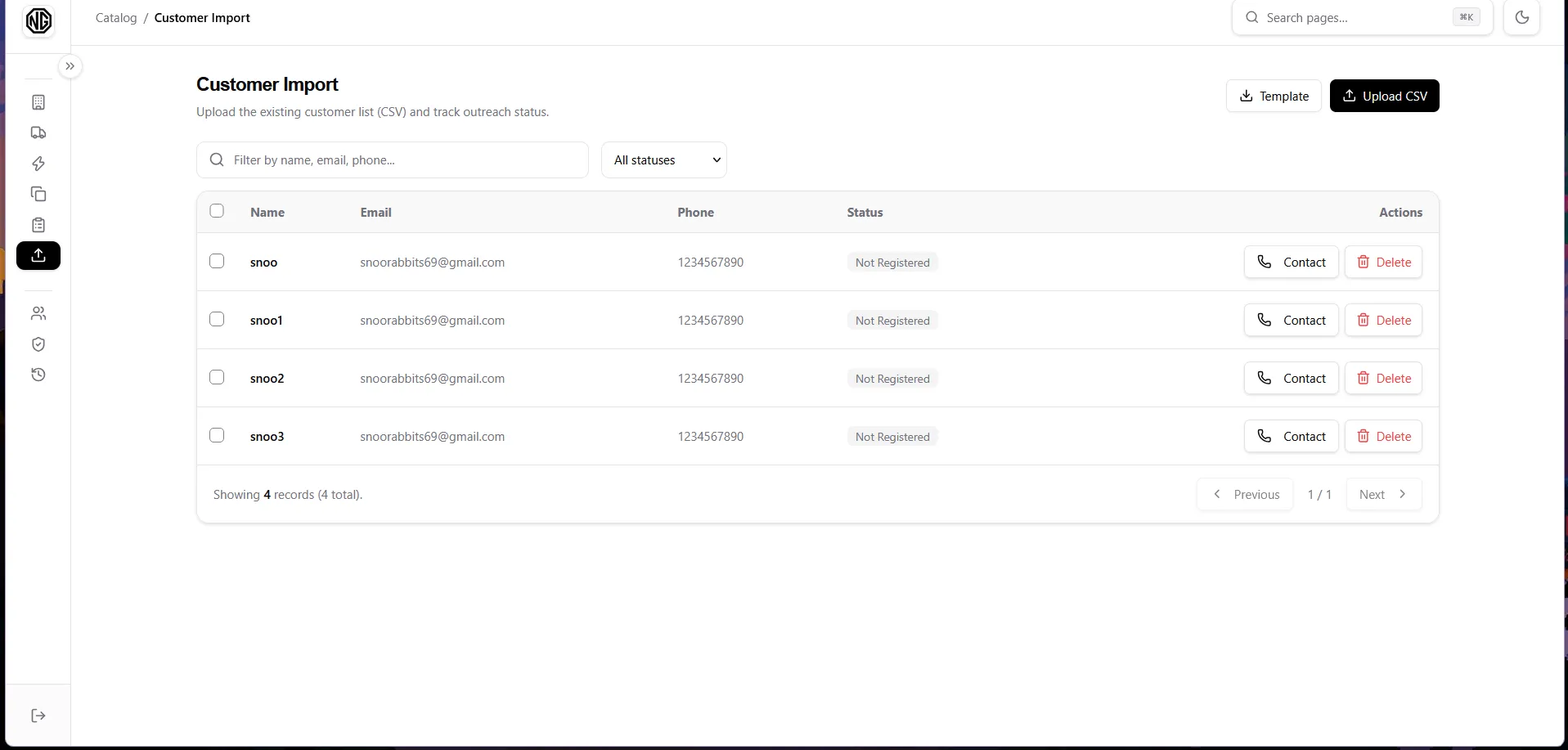
Customer Import
Bulk-import the existing customer spreadsheet, then track outreach.
CSV template
Section titled “CSV template”Create a CSV with exactly these columns (or click Download Template if shown):
Full Name,Email,Phone Number,AddressSample Person,sample@example.com,9800000000,Kathmandu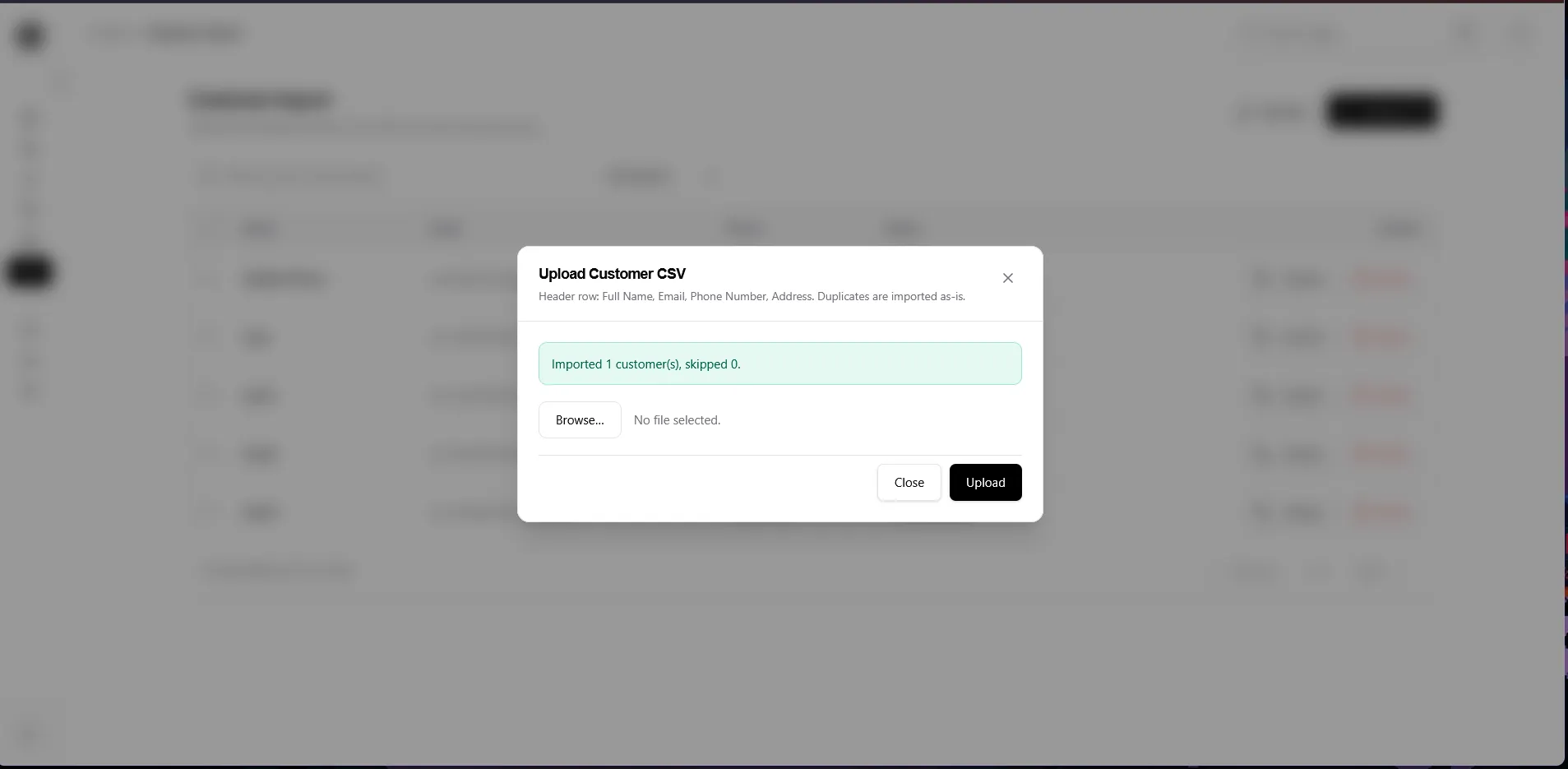
Upload
Section titled “Upload”- Click Upload / Import, choose the
.csvfile, and submit. - A toast confirms how many rows were imported. Errors name the problem rows.
Work the list
Section titled “Work the list”Each row shows a status badge:
Not Registered— imported, not yet contactedContacted— you reached out (set via Mark Contacted)Registered— the customer completed registration (set automatically)
Actions per row: Mark Contacted / Revert, Delete. Use search, the status filter, and pagination to work through large lists. You can select rows for bulk steps where offered.